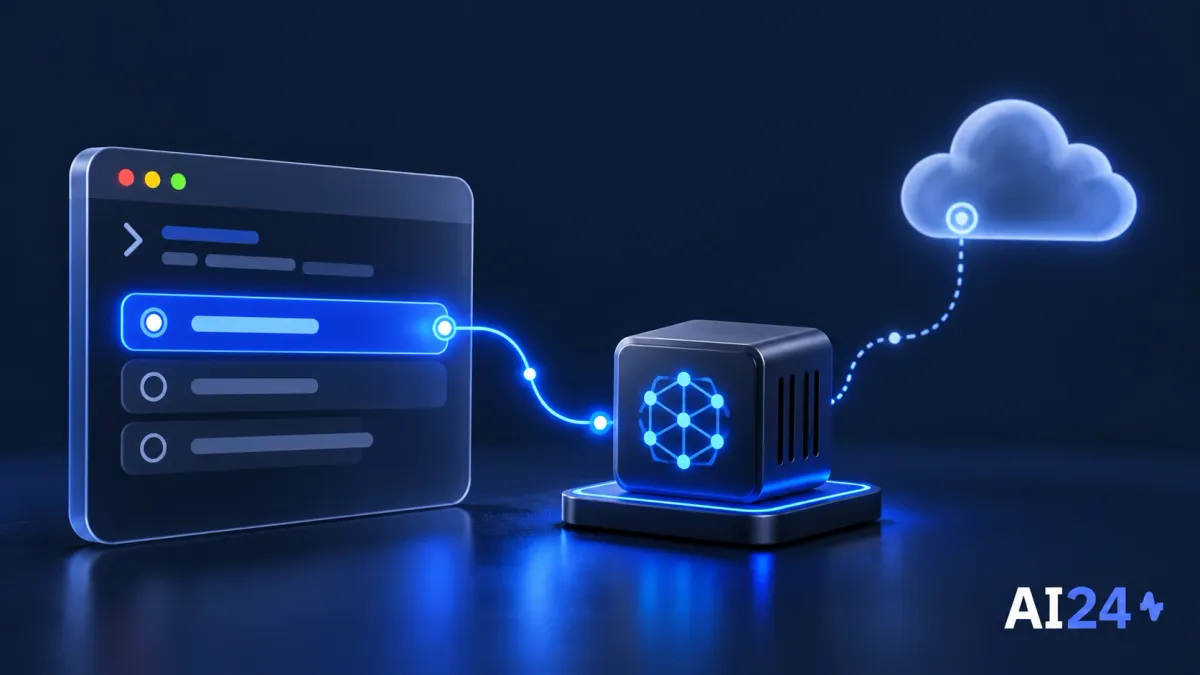
GitHub announced local-model discovery in Copilot CLI on October 7. Starting with version 1.0.94-0, the /model command can show supported models from a local Ollama instance that is already running, alongside previously configured models. The change concerns discovery and selection within an existing workflow, rather than the first-ever ability to connect the tool to an external or local model.
Discover, review and confirm
According to GitHub's announcement, users can review the provider and endpoint address before approving the connection. They can select the model for current use or add it without immediately changing the active model, with no restart required. Discovery does not install a runtime or download model weights to the computer. It relies on an available service and models the system can identify within it.
That distinction is useful for anyone who has already connected Ollama manually. The update reduces some of the work involved in selecting a model, but does not remove the need to understand what runs behind the connection address. A name appearing in Ollama also does not guarantee that inference takes place on the same computer: some services allow remote models to be selected, so the actual configuration needs checking.
In its provider documentation, GitHub lists support for OpenAI-compatible interfaces, Azure and Anthropic. The openai type can describe interface compatibility, rather than necessarily using OpenAI's own service. A model must support tool calls and streaming. A context window of at least 128000 tokens is presented as a recommendation for good results, rather than a single mandatory condition replacing capability requirements.
When work really stays local
Selecting a local model does not automatically enable offline mode. The documentation allows COPILOT_OFFLINE=true to be set to prevent the CLI from contacting GitHub servers. However, if the model provider's address is remote, prompts and code context are still sent there. The setting does not turn a cloud endpoint into a local service, and is not a general firewall for every tool an agent might invoke.
A privacy review therefore needs to examine 2 separate things: where the model runs and where the entire workspace can connect. Tools, context sources and additional services can use the network even when inference takes place locally. This is an operational inference from the distinction in the documentation, rather than a claim that the new feature necessarily sends all code to an external service.
What to check before switching
The update is particularly suited to users who already have an active Ollama environment and want to change models from the CLI. Before selecting one, check that the version supports discovery, that the endpoint is the intended destination and that the model supports the tools the task requires. A successful connection alone does not guarantee quality comparable with every other model or suitability for every code repository.
This is also a separate development from sandbox features or automatic routing between models. The change here is a more convenient way to find and add an available model. For users seeking local execution, the value lies in shorter setup and a clearer choice. Network boundaries, permissions and work quality still need to be checked as part of the configuration actually in use.